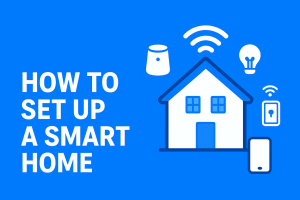
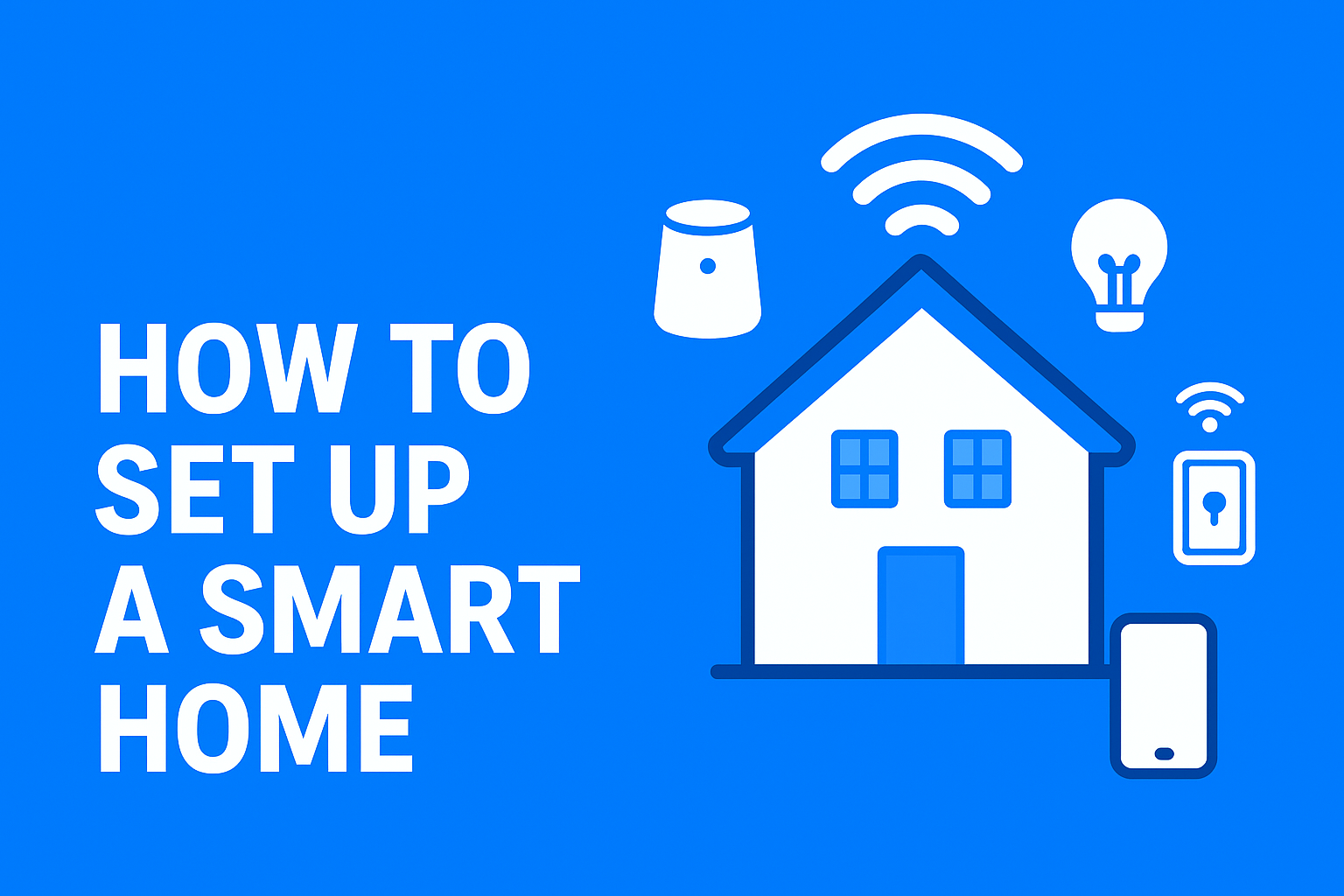
Smart homes are no longer futuristic — they’re now affordable, easy to set up, and designed for convenience. Whether you want to control your lights with your voice, automate your doors, or monitor your home from anywhere in the world, this guide will show you exactly how to set up a smart home from scratch.
1. What Is a Smart Home?
A smart home uses internet-connected devices to automate tasks such as lighting, security, temperature control, and entertainment. These devices can be controlled through a smartphone, voice assistant, or smart hub.
Benefits of a Smart Home
- Hands-free convenience
- Better security and surveillance
- Lower energy consumption
- Remote control while away
- Seamless home automation
This guide is perfect for beginners, homeowners, renters, and anyone looking to modernize their living space.
2. Define Your Smart Home Goals
Before buying devices, decide what you want your smart home to do.
Common smart home goals include:
- Convenience: control lights, fans, and appliances easily
- Security: cameras, motion sensors, locks
- Energy savings: smart thermostats and plugs
- Entertainment: speakers, smart TVs
- Accessibility: automation for elderly or disabled individuals
Knowing your goals helps you choose the right devices.
3. Choose Your Smart Home Ecosystem
Your ecosystem determines how your devices communicate and the app you’ll use to control everything.
Popular Smart Home Ecosystems
- Amazon Alexa – Best for compatibility; works with thousands of devices
- Google Home – Great for Android users and Google services
- Apple HomeKit – Best for iPhone users; strong privacy
- Samsung SmartThings – Excellent for advanced automation
What to consider
- Your phone type (Android or iOS)
- Which devices you already own
- Budget
- Device compatibility
Pick one ecosystem to avoid conflicts.
4. Essential Smart Home Devices to Start With
4.1. Smart Speakers & Voice Assistants
Devices like Amazon Echo, Google Nest, and HomePod serve as the brain of your smart home, enabling voice control and automation.
4.2. Smart Lighting
Choose between:
- Smart bulbs – easiest to install
- Smart switches – control entire rooms with one switch
Start with the living room and bedroom.
4.3. Smart Plugs
These turn regular devices into smart ones. Perfect for:
- Fans
- Kettles
- Lamps
- Phone chargers
4.4. Smart Thermostats
Smart thermostats help regulate temperature and reduce energy bills. They allow remote adjustments and scheduling.
4.5. Smart Locks & Video Doorbells
Improve security with:
- Keyless entry
- Remote locking
- Motion-activated video alerts
4.6. Smart Cameras
Indoor and outdoor cameras help you monitor your home in real time.
4.7. Smart Hubs (Optional)
Some devices use Zigbee or Z-Wave, which may require a hub.
A hub is useful if you need advanced control or have many devices.
5. Plan Your Smart Home Layout
Good planning makes installation easier.
Checklist:
- Ensure strong Wi-Fi coverage in every room
- Identify device locations (lights, doors, entryways)
- Avoid overcrowding your router
- Consider a mesh Wi-Fi system for large homes
6. Step-by-Step Guide: How to Set Up a Smart Home
Step 1: Install Your Ecosystem’s App
Download:
- Alexa app
- Google Home
- Apple Home app
- SmartThings
Sign in or create an account.
Step 2: Set Up Your Smart Speaker or Hub
- Plug in the device
- Connect to Wi-Fi
- Update firmware
- Test basic voice commands (e.g., “Turn on the lights”)
This becomes your main control center.
Step 3: Add Smart Devices One at a Time
To avoid confusion, pair devices individually.
How to pair devices:
- Plug in or install the device
- Open your smart home app
- Tap “Add Device”
- Put the device in pairing mode
- Rename it clearly (e.g., “Bedroom Lights”)
Step 4: Organize Devices into Rooms
Grouping devices by room helps with easier control.
Examples:
- “Living Room Lights”
- “Kitchen Plug”
- “Front Door Lock”
Step 5: Create Schedules & Routines
Automation is the heart of a smart home.
Examples of routines:
- Morning Routine: lights on + weather report + music
- Night Routine: lock doors + turn off all lights
- Away Routine: activate security cameras + energy-saving mode
Step 6: Test Voice Commands & Automation
Try commands like:
- “Turn on the living room lights.”
- “Lock the front door.”
- “Set thermostat to 22°C.”
Adjust routines based on comfort.
7. Internet & Security Best Practices
Because smart home devices are online, security matters.
Recommended security measures:
- Use a strong Wi-Fi password
- Enable two-factor authentication (2FA)
- Keep devices updated
- Use a guest network for visitors
- Disable features you don’t use
This protects you from unauthorized access.
8. Advanced Smart Home Add-Ons
Once the basics are in place, you can expand.
Add-ons include:
- Smart curtains or blinds
- Smart irrigation systems
- Smart kitchen appliances
- Robot vacuum cleaners
- Smart TVs and soundbars
- Universal remotes (for ACs and TVs)
These create a truly automated environment.
9. Troubleshooting Common Smart Home Issues
Device won’t connect
- Restart router
- Move device closer to Wi-Fi
- Re-pair the device
Weak signals in certain rooms
- Add Wi-Fi extenders or a mesh system
Device not responding to voice commands
- Rename devices
- Check if commands are recognized
Ecosystem compatibility issues
- Ensure the device supports your chosen ecosystem
10. Estimated Cost of Setting Up a Smart Home
Budget Starter Setup ($50 – $150)
- Smart speaker
- 2–4 smart bulbs
- 1 smart plug
Mid-Range Setup ($200 – $500)
- Smart thermostat
- Smart locks
- Doorbell camera
- Multiple smart bulbs
Premium Setup ($1,000+)
- Whole-home automation
- Security cameras
- Smart appliances
- Smart blinds
Conclusion
Setting up a smart home is easier than ever. Start small with smart plugs or bulbs, choose a reliable ecosystem, and gradually automate more areas of your home. With the right planning and devices, you’ll enjoy a smarter, safer, and more efficient home that fits your lifestyle.